Follow the below instructions to install Dark SDK in Windows.
Step -1: Go to the browser and type the following link to download the SDK.
http://www.gekorm.com/dart-windows/
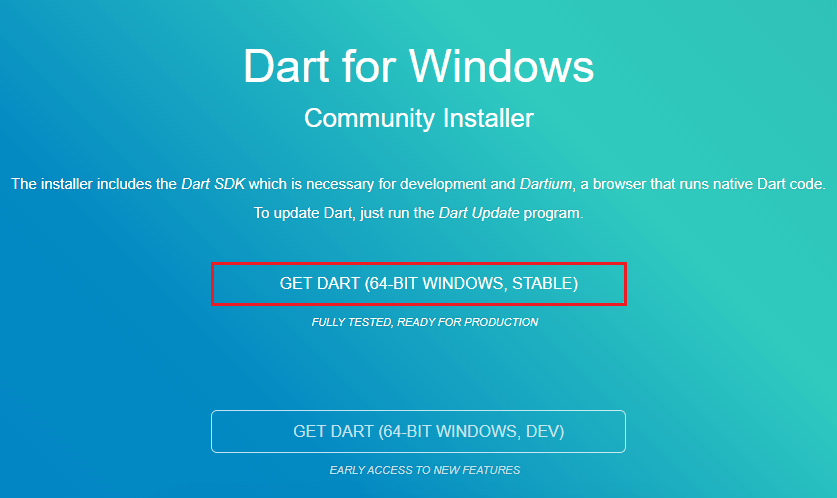
It will open the given page. Click on the following link.
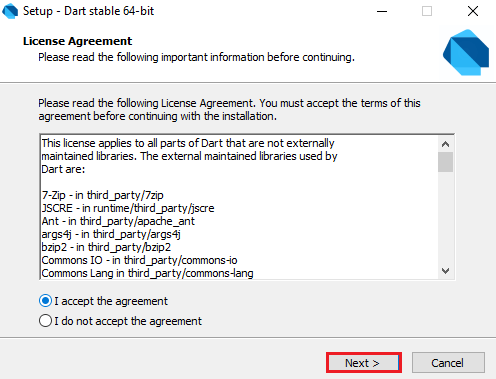
Step – 2: Run the Dart installer(It is the .exe file that we downloaded in the previous step) and click on the Next button.
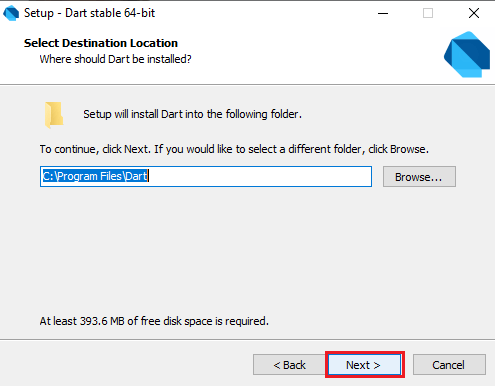
Step – 3: It provides the option to select the Dart installation path. After the path is selected, click on the Next button.
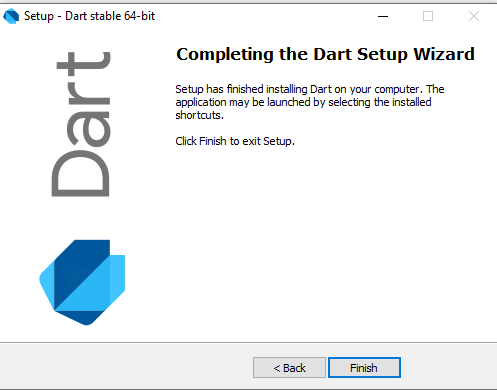
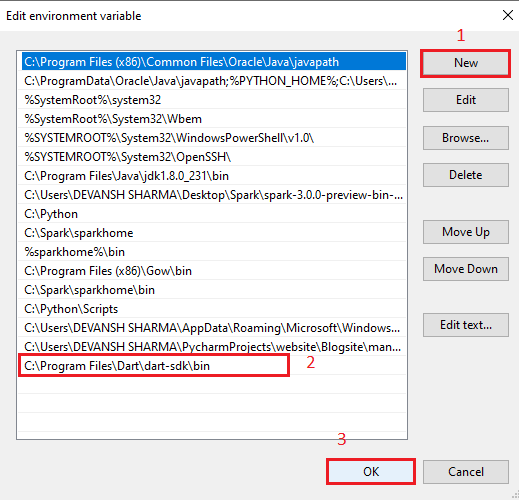
Step – 4: After the download is completed, set the PATH environment variable to “C:\Program Files\Dart\dart-sdk\bin” in advance system properties.
Step – 5: Now open the terminal and verify the Dart installation by typing dart.
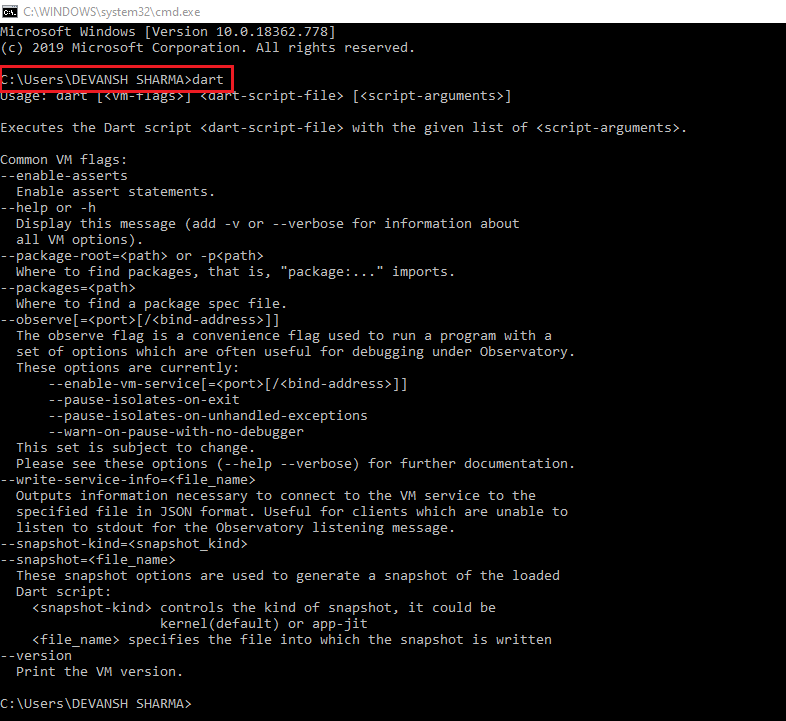
If it is successfully installed then it looks like the above image.